
BeneGToolkit
Comprehensive graph animations, data visualizers, and motion graphics toolkit for professional video editors.
Format: ZIP
Size: 1.2 MB
Download Zip
Adobe Premiere Pro is the industry standard for professional video editing. Our extensive library of Premiere Pro resources is designed to help you edit faster and produce higher quality content. Whether you're cutting a documentary, editing a music video, or creating social media content, having the right assets is crucial.
Explore our carefully curated collection of presets, workflow guides, and transition templates. By optimizing your Premiere Pro workspace and utilizing our proven editing techniques, you can significantly reduce your turnaround time without sacrificing quality.
Dive into our step-by-step tutorials below to master color grading with Lumetri, optimize your export settings, and utilize advanced audio mixing techniques directly within Premiere Pro.
Comprehensive graph animations, data visualizers, and motion graphics toolkit for professional video editors.
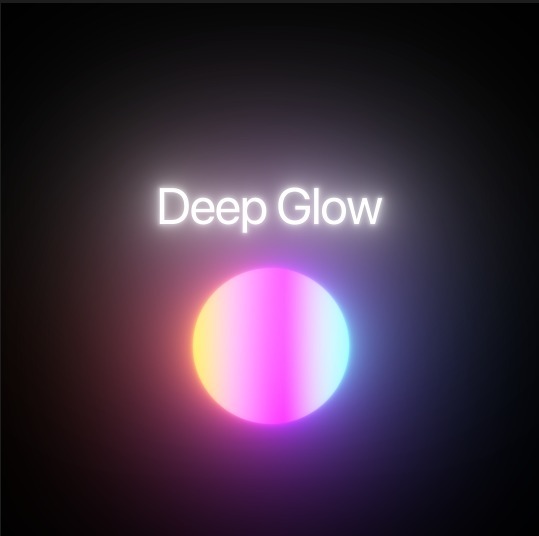
Advanced optical glow effect plugin and preset collection for creating physically accurate light blooms.
High-impact kinetic text animations, typography style presets, and title FX templates built for editors.
Step-by-step guide to importing presets.
Master the replica and transform effects.
Optimize quality and file size for YouTube.
Folder structures for professional editors.
Edit 10x faster with these essential keys.
Time remapping techniques explained.
| Action | Windows | Mac |
|---|---|---|
| Ripple Delete | Shift + Delete | Shift + Delete |
| Add Edit (Cut) | Ctrl + K | Cmd + K |
| Select Tool | V | V |
| Razor Tool | C | C |
| Nest | Ctrl + G | Cmd + G |