
Glow
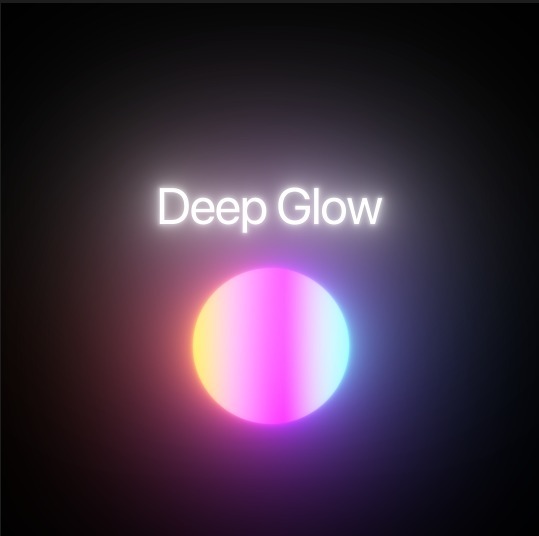
Advanced optical glow effect plugin and preset collection for creating physically accurate light blooms.
Format: ZIP
Size: 1.5 MB
Download Zip
A LUT (Look-Up Table) is a mathematical formula that modifies the color and tone of your video footage. They are widely used in video editing to achieve specific cinematic looks, correct color imbalances, or convert log footage (like S-Log, C-Log, or V-Log) to standard Rec.709 color space.
Using LUTs can drastically speed up your color grading workflow, allowing you to establish a mood or style instantly. Whether you are using Premiere Pro, DaVinci Resolve, or Final Cut Pro, integrating high-quality LUTs into your editing process is essential for modern colorists.
On Softlink, we provide a variety of creative and technical LUTs, alongside comprehensive guides to help you apply, adjust, and master color grading for your projects.
Advanced optical glow effect plugin and preset collection for creating physically accurate light blooms.
Master filmic color correction, LUT workflows, and realistic optical glow effects.
Watch Tutorial