BeneGToolkit
Comprehensive graph animations, data visualizers, and motion graphics toolkit for professional video editors.
Discover editing assets, creative resources, and practical tutorials designed to help you create professional videos with Premiere Pro, After Effects, and modern editing tools.
Comprehensive graph animations, data visualizers, and motion graphics toolkit for professional video editors.
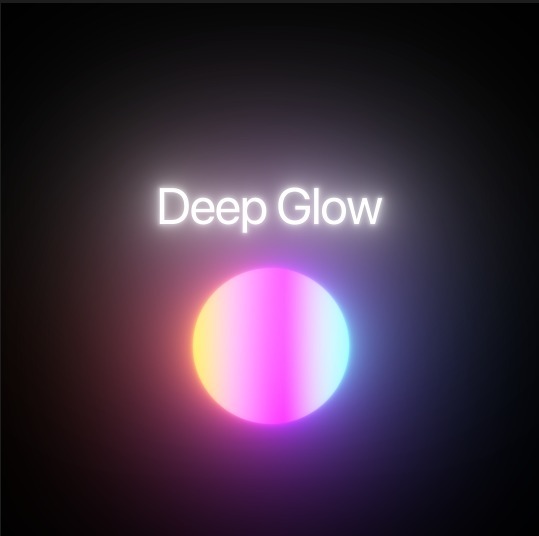
Advanced optical glow effect plugin and preset collection for creating physically accurate light blooms.
High-impact kinetic text animations, typography style presets, and title FX templates built for editors.
Step-by-step guide to organizing project timelines, cutting techniques, and building a professional video editing workflow.
Watch TutorialLearn how to craft dynamic kinetic typography, text animations, and smooth motion graphics in After Effects.
Watch TutorialMaster filmic color correction, LUT workflows, and realistic optical glow effects for high-end cinematic looks.
Watch TutorialClear noise, equalize dialogue tracks, and mix sound effects for crisp professional audio quality.
Watch TutorialComprehensive guide to time remapping, velocity curves, and creating fluid speed ramping transitions.
Watch TutorialDesign beautiful, cinematic title sequences using simple techniques in After Effects.
Master Keylight in After Effects to pull clean keys, fix spill, and integrate subjects.
When to shoot in 24fps vs 60fps, and how frame rates affect motion blur and playback speed.
Essential EQ and compression techniques to make vocal tracks sound crisp, clear, and professional.
Crafting compelling narratives from unscripted interviews and b-roll footage.
Using animated elements, maps, and diagrams to explain complex concepts in your videos.
Original assets and guides created specifically for video editors, covering the tools and software you actually use.
Every downloadable resource includes step-by-step installation and usage instructions, so you're never left guessing.
In-depth tutorials written to explain real techniques and workflows, not just surface-level overviews.
Every resource includes a clear license statement, so you know exactly how you can use each asset.
Get weekly editing tips, free assets, and software updates delivered directly to your inbox.
NOTE: This form is a front-end demonstration. No email backend is currently connected. To enable newsletter subscriptions, connect a form service such as Mailchimp or ConvertKit.